Loading...

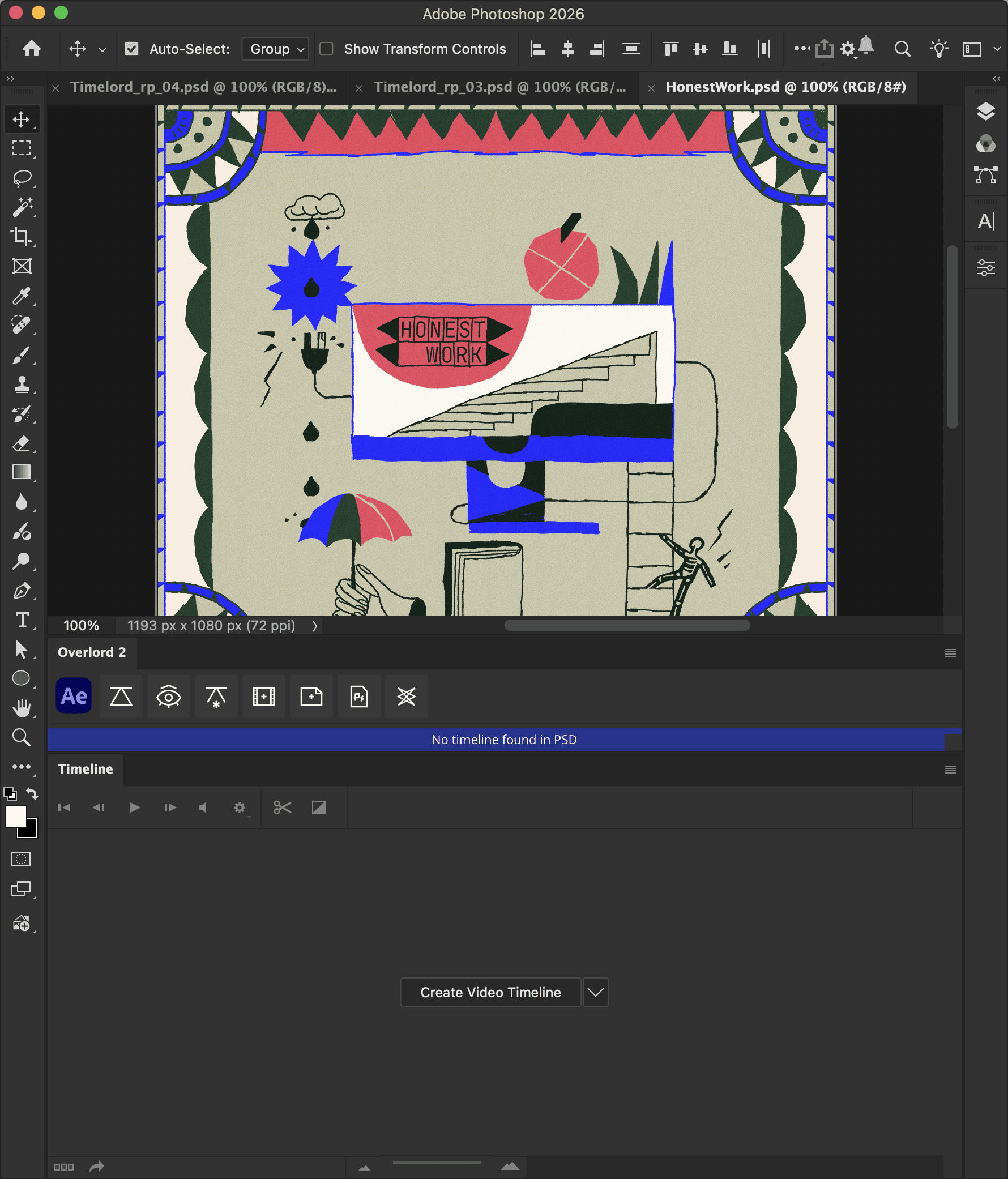
From inside Photoshop, push selected timeline layers to After Effects. From inside After Effects, pull selected timeline layers from Photoshop.
This process can take some time to export images, so be patient.
Pay attention to the work area of the PSD timeline. Overlord uses this range to render frames and place them in the Ae comp
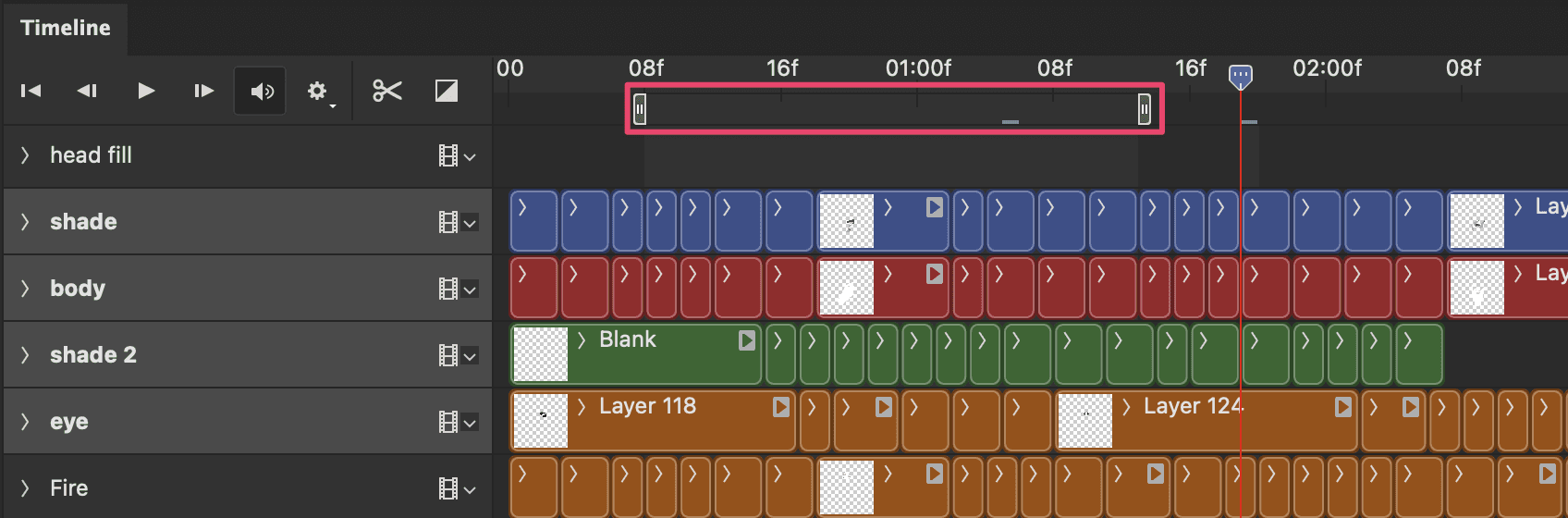

Render additional frames as needed or re-render segments as they are edited to reduce processing time.
Image layers must be saved to disk for Ae to import them. This folder path can be manually selected with each transfer, or automatically selected relative to the After Effects project file.
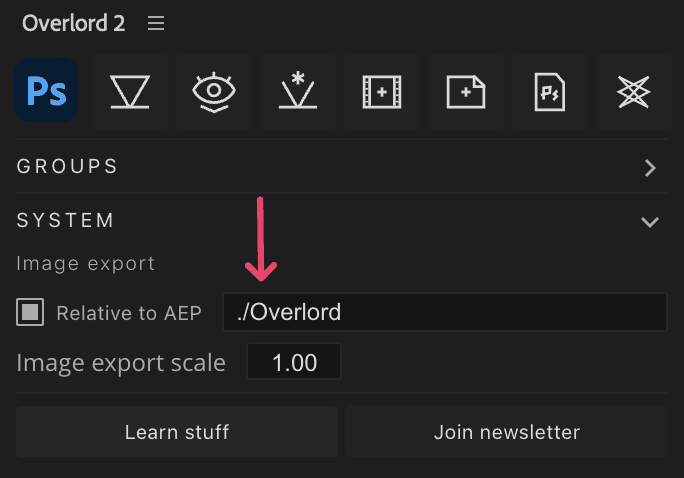
Enable this option in the Photoshop plugin panel and set the path within the After Effects extension panel.
The default path ./Overlord creates a new directory in the same folder as your current AEP to save files to.
It is also possible to nest the Overlord folder deeper or higher than the AEP. Something like ../Assets/Overlord would save files up one folder from the Ae project and in a folder called Assets:
What's up with the numbers?
If every time Overlord exported a file it only used the file name, it would overwrite the files from other layers or files.
In the above examples you'll see two sets of numbers that identify the:
PSD file
Layer
This is because you could have a lot of layers in your file with the same name, and you could have multiple iterations of a file.
Empty frames
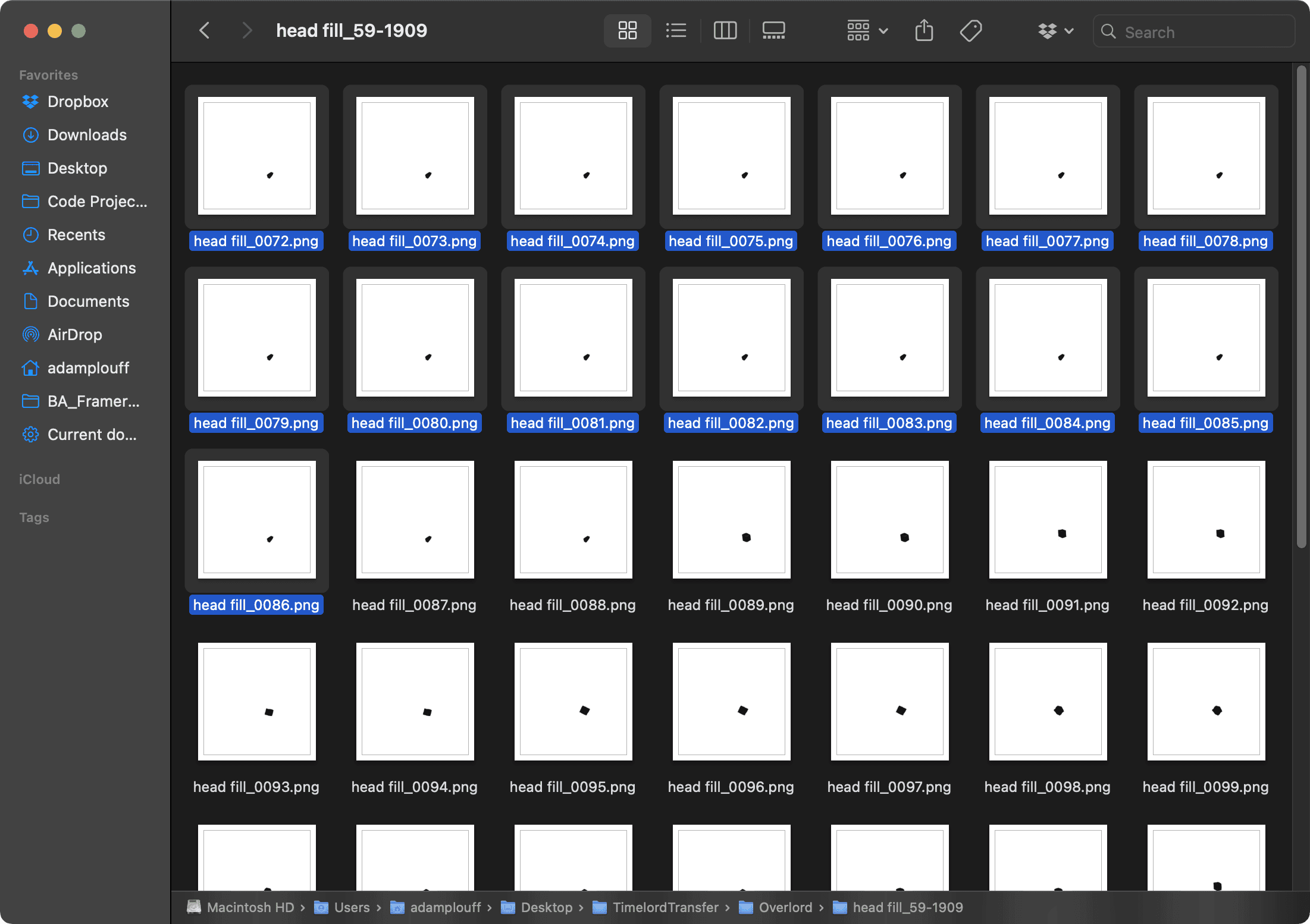
Watch out for empty start frames. If your timeline layer has an empty frame at the beginning (like the red layer), add a blank frame (like the green layer) rather than leaving it empty.

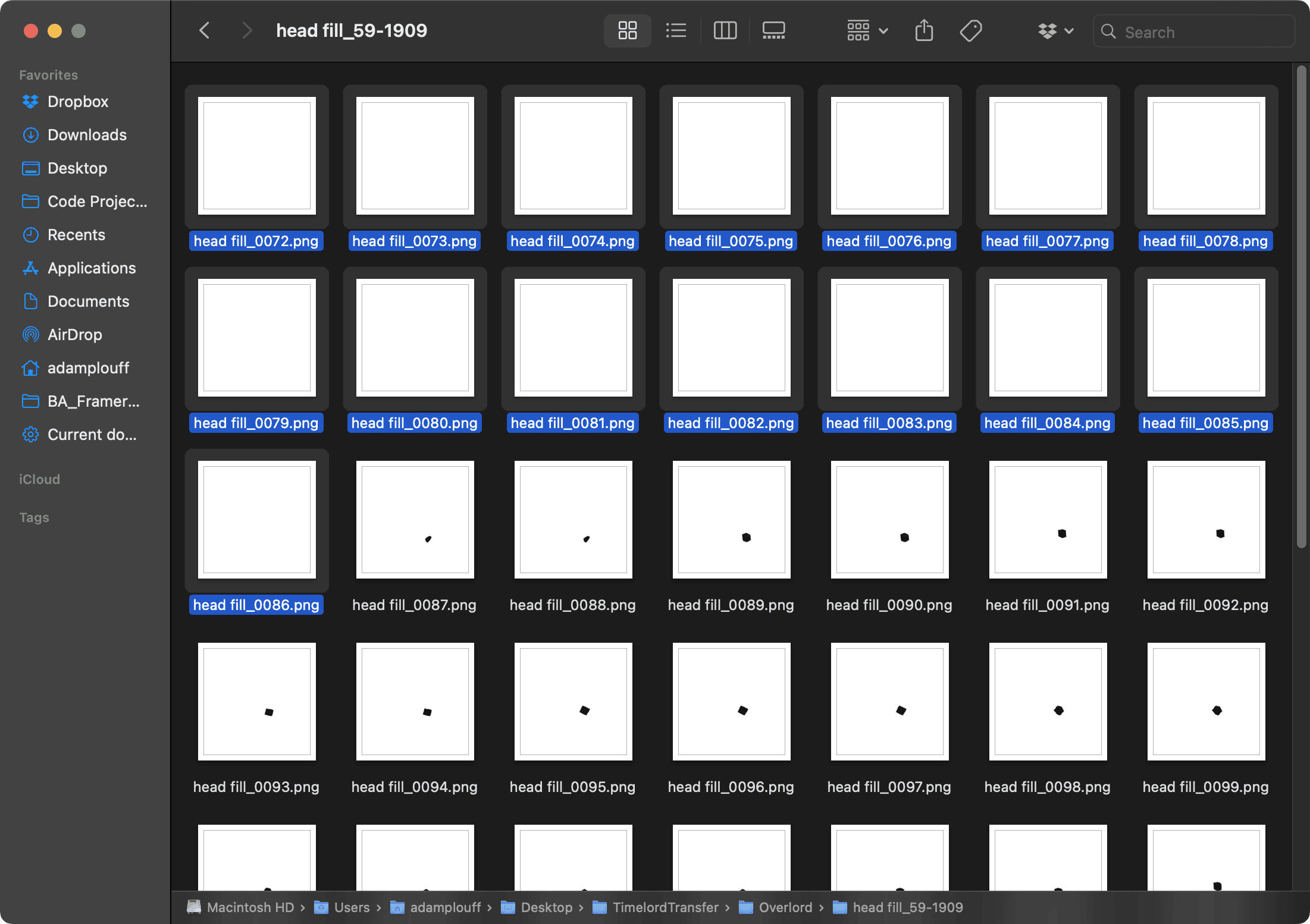
If you leave it open, the first frame with pixels on it will be duplicated from the start of the work area. All of these frames should be blank. ↓
Ok but why? 🤔
This is a quirk of the Photoshop UXP Imaging API where if it doesn't have data it uses the first blob of image data to fill the missing stuff.
Adding a real frame (that is still empty) to the start of the layer will correctly create blank layers.
No timeline found in PSD
Double check that your PSD has a video timeline. If not, Overlord cannot export PNG sequences from the timeline.